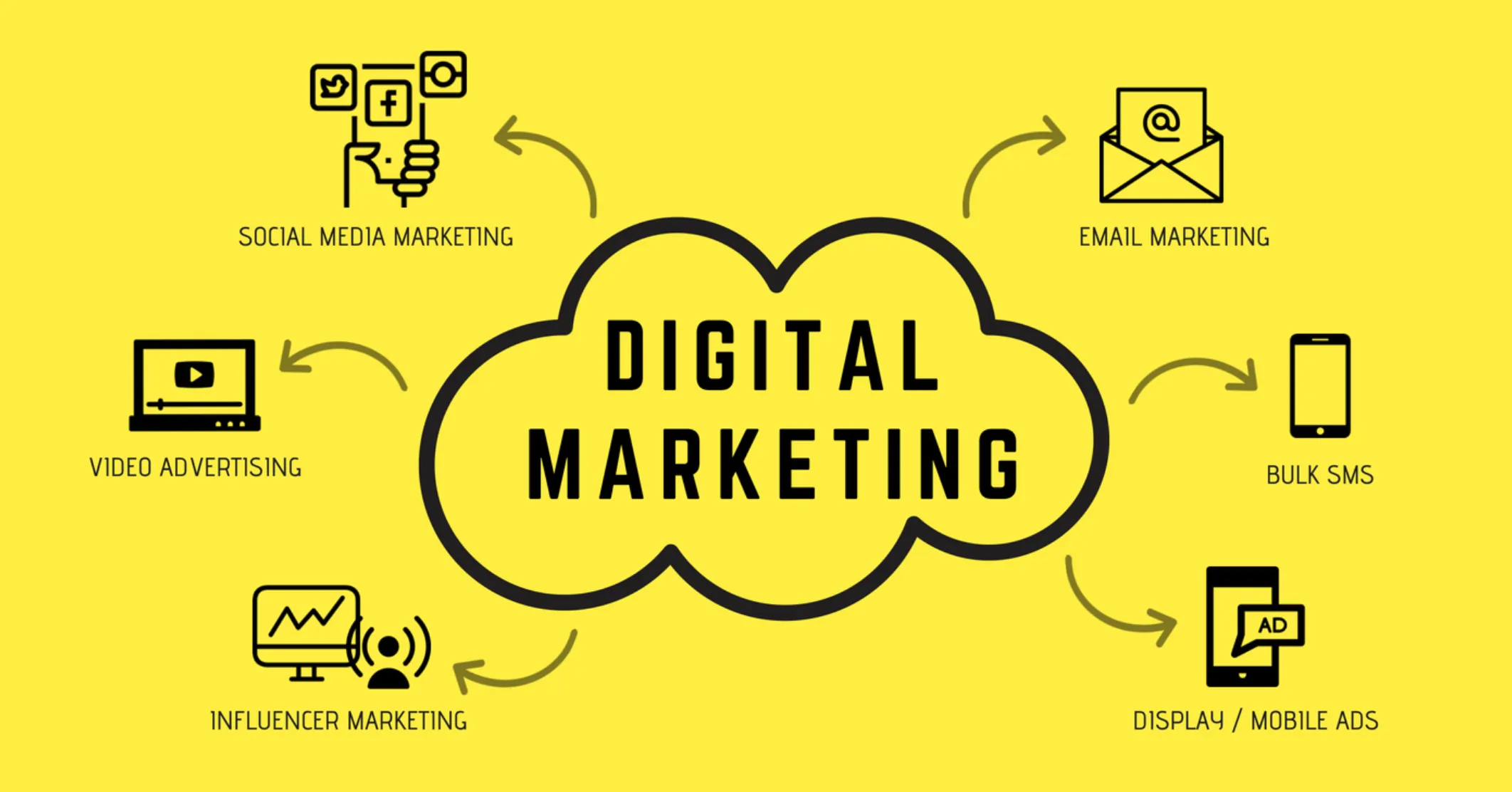
The 2026 Marketing Toolkit: 30 Apps Worth Paying For (In No Particular Order)
This is a working marketing toolkit for 2026, not a ranking. The thirty apps below are listed in no particular order — grouping is by the job they do, and the numbers are labels, not places. A tool at 27 is not worse than a tool at 3; it does a different job.
One structural change shapes the whole list. Discovery has split in two. People still search, but they also ask — and the answer arrives synthesized, with a handful of cited sources and often no click at all. A stack that measures rankings thoroughly and has nothing watching ChatGPT, Gemini, Perplexity or Google’s AI surfaces is now instrumenting about half of how buyers find you.
So the list starts with the measurement layer, because that is where most stacks have a hole.
Search and AI visibility
1. Google Search Console
Free, non-negotiable, and the only source of truth for how Google sees you — including AI surfaces. Since June 2026 it reports impressions from AI Overviews and AI Mode, though impressions only: no clicks, CTR or query breakdown. Set it up first.
2. Ahrefs
The strongest backlink index in the category, plus keyword research, rank tracking and site audit. Best for teams whose growth depends on earning links and understanding competitor authority.
3. Semrush
Broader than Ahrefs and shallower in links: keyword research, competitor gap analysis, ads intelligence and an AI Toolkit add-on for basic AI-surface mentions. Best when one platform has to serve SEO, content and paid in a single subscription.
4. Screaming Frog
A desktop crawler that still does things cloud tools cannot — crawl a staging site behind auth, render JavaScript and diff what a bot receives against what a browser shows. Indispensable for the technical work in AI crawler optimization.
5. Google Analytics 4
Imperfect and unavoidable. Worth knowing its hard limit: clicks from AI Overviews and AI Mode arrive as ordinary google / organic and cannot be separated, while ChatGPT, Perplexity and Gemini referrals can — see tracking AI traffic in GA4.
6. Sanbi.ai
Our own, so read it with that in mind. It tracks brand visibility across ChatGPT, Gemini, Perplexity, Claude, AI Overviews and AI Mode on a fixed prompt set, reports competitor share of voice on the same prompts, and turns citation gaps into a specific page to write or a third-party source to earn. The reason it sits in the measurement section rather than the content one: the useful output is which sources the engines trusted instead of you, which is a diagnosis, not a dashboard. Run a free AI visibility audit to see the data before deciding whether the category is worth paying for at all.
7. Profound
The enterprise reference point for AI visibility — prompt-volume data, a REST API for warehouses, analyst-grade workflows and pricing to match. Right with a dedicated analyst; heavy for a team of four.
8. Otterly.ai
The cheapest serious entry into AI answer monitoring, from $29/month for 15 prompts across four engines. Good first step, commonly outgrown — the full review covers where.
Only one AI visibility tool belongs in a starting stack. For how the category compares, see the 15 best AI visibility tools — this post deliberately does not re-rank them.
Analytics and behaviour
9. Microsoft Clarity
Free, unlimited session recordings and heatmaps with no sampling tier to outgrow. The fastest way to find out why a page converts badly.
10. PostHog
Product analytics, session replay, feature flags and experiments in one open-source platform with a large free allowance. Best for product-led teams who want engineering and marketing looking at the same events.
11. Amplitude
Deeper behavioural cohorting and funnel analysis than GA4 will ever do. Worth it once you are asking “which behaviour in week one predicts retention in month three”.
12. Hotjar
Heatmaps plus on-page surveys. The survey half is the underrated part — asking five exiting visitors why they did not convert beats another week of dashboard staring.
Content and design
13. Notion
Editorial calendar, brief templates, research store. Works because everyone will actually open it.
14. Grammarly
Still the best line-editing safety net, and increasingly useful for keeping a consistent voice across several writers.
15. Canva
The reason non-designers can ship social assets, decks and simple video without a queue. The free tier covers most small-team needs.
16. Figma
Where landing pages get designed and argued about before anyone writes code. Free tier is generous for small teams.
17. Descript
Edit video and podcasts by editing the transcript. Turns a recorded call into a clip in minutes — and produces the clean transcript that makes video citable.
18. Opus Clip
Cuts long video into short vertical clips automatically. Mediocre at judgment, excellent at volume; treat its output as a first pass.
Video
19. Loom
Async video for sales follow-ups, onboarding and internal handoffs. The lowest-effort way to sound like a person.
20. YouTube Studio
Free, and more strategically important than it looks: YouTube is one of the most-cited domains in Google’s AI surfaces and Perplexity, and barely cited by ChatGPT. Clean transcripts and chaptering are what make a video quotable — the engine-by-engine split is in most-cited domains in LLMs.
Lifecycle and email
21. HubSpot
CRM plus marketing automation. Justified when sales and marketing genuinely need one record of the customer; expensive when bought for email alone.
22. Klaviyo
The default for ecommerce lifecycle messaging because its segmentation speaks fluent order history.
23. Customer.io
Event-driven messaging for product-led companies. If your emails should fire on product behaviour rather than a list, this is the shape.
24. Loops
Deliberately simple SaaS email. The right answer when HubSpot is overkill and Mailchimp feels dated.
Social
25. Buffer
Scheduling and analytics without enterprise pricing. Free tier works for low volume.
26. Typefully
Built for long-form posting on X and LinkedIn, which is where most B2B organic reach now lives — and LinkedIn is among the most-cited sources in ChatGPT and AI Mode for professional questions.
Paid and attribution
27. Google Ads
Increasingly unavoidable for commercial intent, and now placing ads inside AI Mode answers via the Highlighted Answers format. Track organic AI citations separately from paid presence or you will not be able to tell which is working.
28. Triple Whale
Ecommerce attribution across Meta, Google, Klaviyo and Shopify in one view. Worth it above roughly $1M in revenue, hard to justify below it.
Automation and ops
29. Zapier
The glue. Use it to move data between the other twenty-nine, and to build the “alert me when X” workflows nobody remembers to run manually.
30. Airtable
The database marketers will actually maintain — content inventories, influencer pipelines, prompt sets for AI visibility tracking.
How to assemble this without buying all thirty
Nobody needs thirty tools. Most teams under twenty people run well on five to eight, and the failure mode is never too few — it is apps nobody owns.
A defensible starting stack:
| Job | Start with | Add when |
|---|---|---|
| Search visibility | Search Console (free) | Ahrefs or Semrush, once competitors matter |
| AI visibility | A free audit | A tracker, once you know the gap is real |
| Behaviour | GA4 + Clarity (free) | PostHog or Amplitude at product scale |
| Content | Notion + Canva | Figma and Descript as output grows |
| Lifecycle | Loops or Klaviyo | HubSpot when sales needs the same record |
| Automation | Zapier free tier | Paid, once workflows carry revenue |
Two cost controls beat any tool choice. Audit quarterly for apps nobody opened in ninety days. And compare price per unit of the thing you consume — tracked prompts, monitored keywords, emails sent, events logged — because headline plan prices hide wildly different allowances.
What changed since last year
Three shifts are worth naming, because they explain why a 2024 stack now has holes:
- Measurement split. Rankings and AI answers are separate surfaces requiring separate instrumentation. Search Console covers Google’s AI features at the impression level; nothing native covers ChatGPT, Perplexity or Claude.
- Attribution got worse before it got better. AI Overview and AI Mode clicks are indistinguishable from organic in GA4, while chatbot referrals are cleanly attributable. Expect an incomplete picture and plan around branded-search lift.
- Third-party presence outranks owned content for recommendation queries. Review platforms, communities and expert articles take most citation slots — which makes tools that show you who got cited instead of you more valuable than another content generator.
If you only change one thing in your stack this year, close the AI visibility gap — it is the one job in this list that nothing in a 2024 toolkit was doing.
Run a free AI visibility audit to find out whether AI engines name you today, and which sources they trust instead.
Frequently Asked Questions
Seven jobs, and one tool for each before you buy a second: search and AI visibility, product and behaviour analytics, content and design, video, lifecycle email, paid and attribution, and automation. The change since 2024 is that discovery split in two — classic search plus AI answers — so a stack that covers rankings but has nothing watching ChatGPT, Gemini, Perplexity and Google's AI surfaces is measuring half the funnel. Start with the free layer (Search Console, GA4, Microsoft Clarity), add one paid tool per job only when the free one demonstrably runs out, and resist buying a platform for a job you are not yet doing.
Five to eight for most teams under twenty people. The failure mode is not too few tools, it is tools nobody owns: every app needs a named person who checks it weekly, or it quietly becomes a subscription nobody cancels. A workable minimum is Google Search Console, GA4, one SEO platform, one AI visibility tracker, one email tool, one design tool and one automation layer. Everything beyond that should be justified by a job the existing seven cannot do, not by a feature comparison.
Google Search Console, Google Analytics 4, Microsoft Clarity, Google Business Profile, YouTube Studio, Canva's free tier and the free tiers of Notion, Buffer and Zapier will run a competent small-business marketing operation at zero cost. The gaps in an all-free stack are competitor data, AI answer visibility and lifecycle email at volume — those are the three places where paid tools earn their money first. A free AI visibility audit will at least tell you whether the AI gap is costing you anything before you spend.
Increasingly yes, and the reason is structural rather than competitive. Traditional SEO platforms measure rankings and, more recently, AI Overview presence, because both are observable from a results page. What they do not do well is sample conversational answers repeatedly across ChatGPT, Gemini, Perplexity and Claude, capture the full response text, and tell you which third-party sources were cited instead of you. Those are different measurements collected a different way. Many teams run both: an SEO platform for the index, an AI visibility tracker for the answer layer.
An AI toolkit is the subset of your stack that either uses AI to do marketing work or measures how AI systems describe you. The first group is production — writing, editing, video, design, research. The second group is AI monitoring tools: platforms that query AI engines on a fixed prompt set and report whether your brand is named, how it is described, and which sources the answer used. Most teams built the first half in 2024 and 2025 and are only now adding the second, which is why brand visibility inside AI answers is the common blind spot going into 2026.
Genuinely useful, not just a trial: Google Search Console and GA4 are free outright, Microsoft Clarity gives unlimited session recordings and heatmaps free, PostHog and Amplitude have substantial free event allowances, Canva and Figma cover most small-team design needs free, Notion is free for individuals, Buffer and Zapier have small free plans that work for low volume, and Loom's free tier is enough for occasional async video. The pattern is that measurement and creation have generous free tiers while distribution and competitor data rarely do.
As a rough planning figure, small teams land between 200 and 800 dollars a month, mid-market between 1,500 and 5,000, and that is before paid media. The single largest variable is how many seats and how much data volume you buy rather than how many tools you have. Two cost controls matter more than tool choice: audit quarterly for apps nobody opened, and check price per unit of the thing you actually consume — tracked prompts, monitored keywords, emails sent, events logged — because headline plan prices hide wildly different allowances.
Not obsolete so much as demoted: standalone rank trackers that only report blue-link positions, keyword tools sold purely on search volume, and social schedulers with no analytics are all being absorbed into broader platforms or losing relevance as discovery shifts to AI answers. Anything whose only output is a position number is measuring a shrinking share of how people find things. The tools gaining ground instead measure presence and citation across surfaces where there is no numbered position at all.